
Two engines, your choice
Apple's built-in subject lifter for clean shapes, or the IS-Net model for hair, fur, spokes and line art. Both run on the Mac in front of you.
Liftmask is a background remover for Mac. Drop in a photo and the subject is lifted off its background right on your machine, with nothing uploaded, no credits to count, and no subscription to cancel.
Free version exports up to 1500 px and never expires. macOS 14 or later, Apple silicon and Intel.


A real Liftmask screen recording: a photo dropped in, the background removed, then the cutouts arranged into a sticker sheet. Edited for length, no sound.
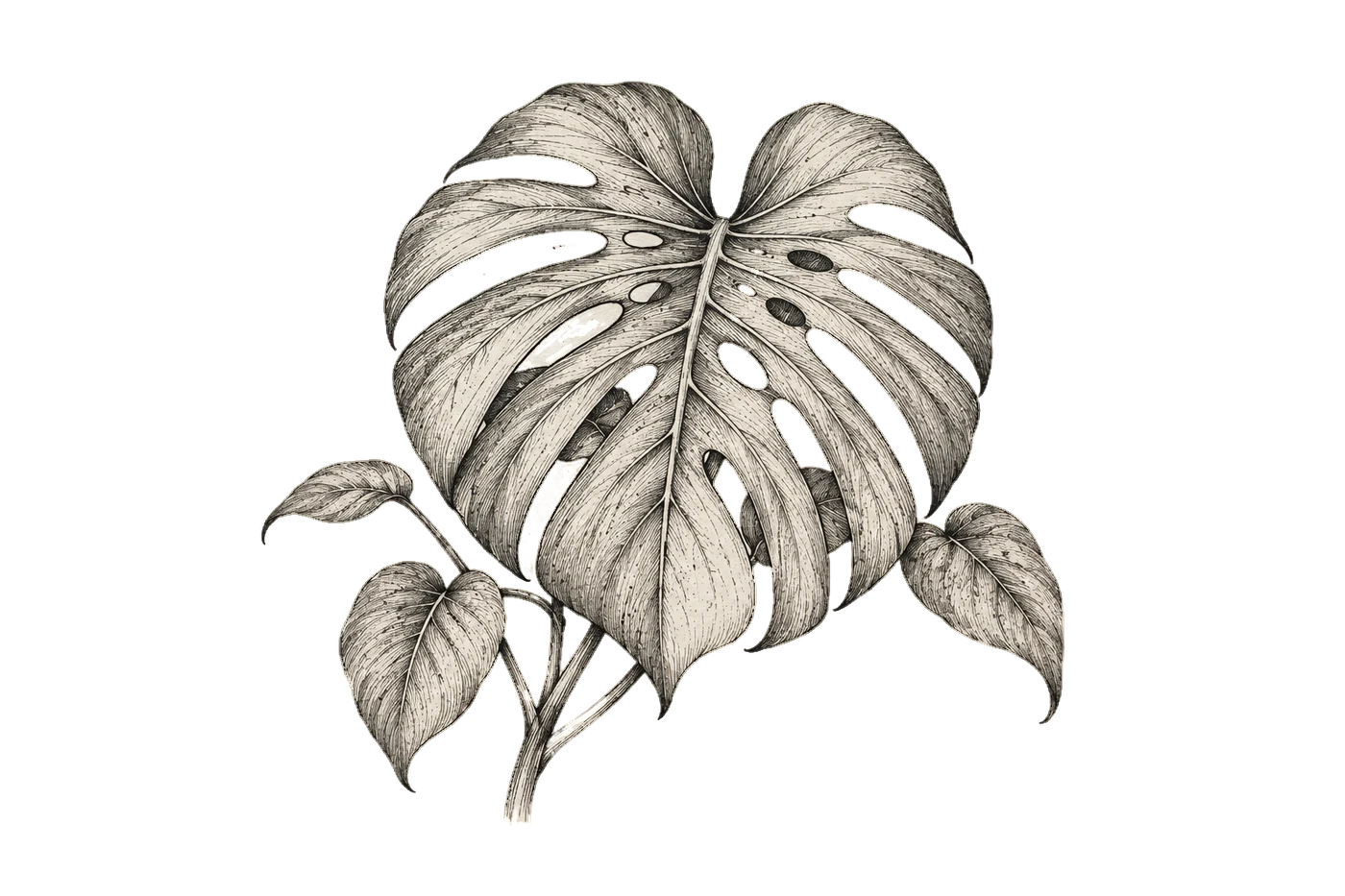
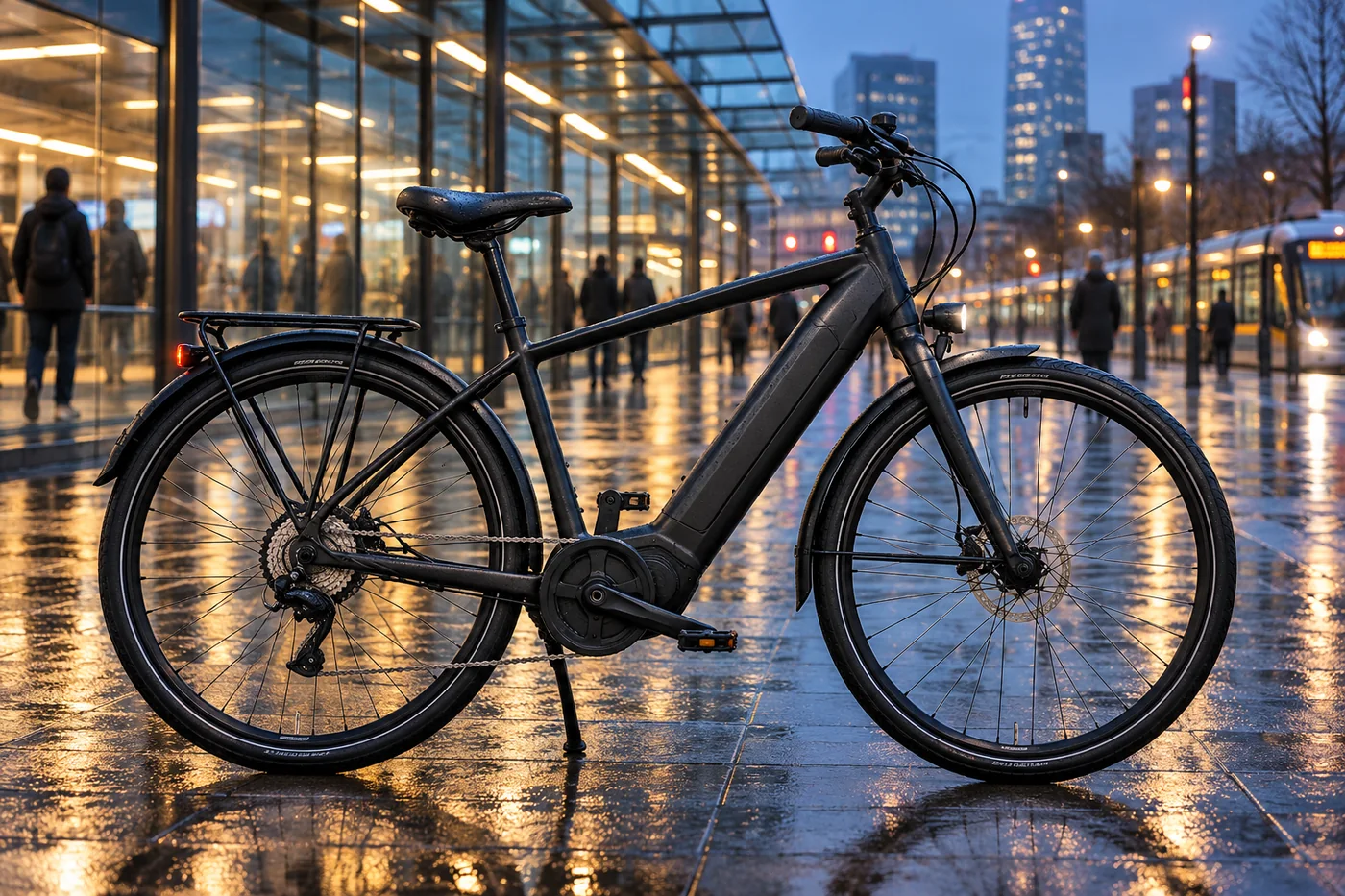
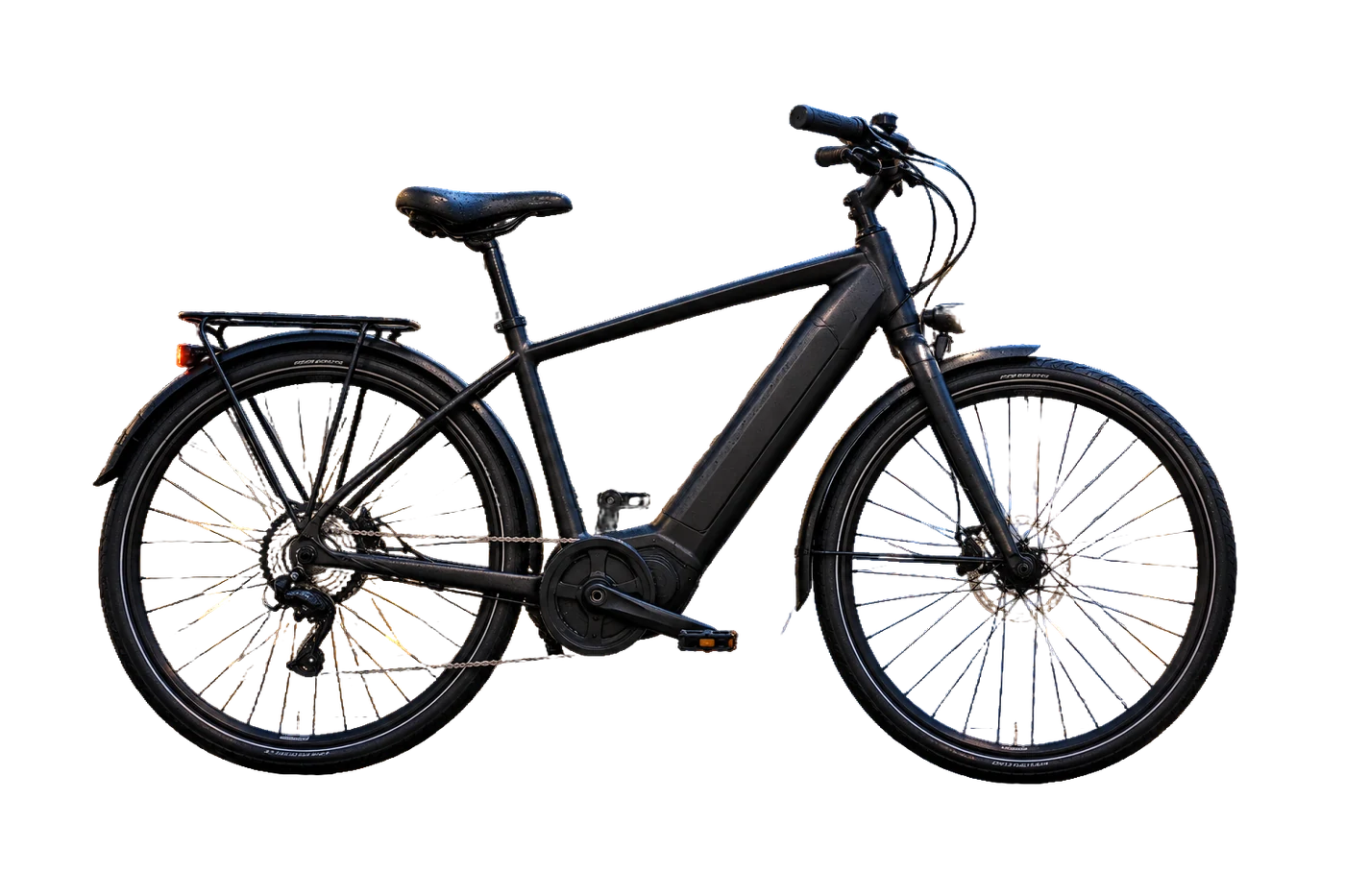
Each cutout is what Liftmask produced the moment the photo was dropped in, with no hand cleanup. Busy shelves, patterned rugs, glass, fur, hatching on paper. Some source images are AI-generated; try the free version on your own photos.


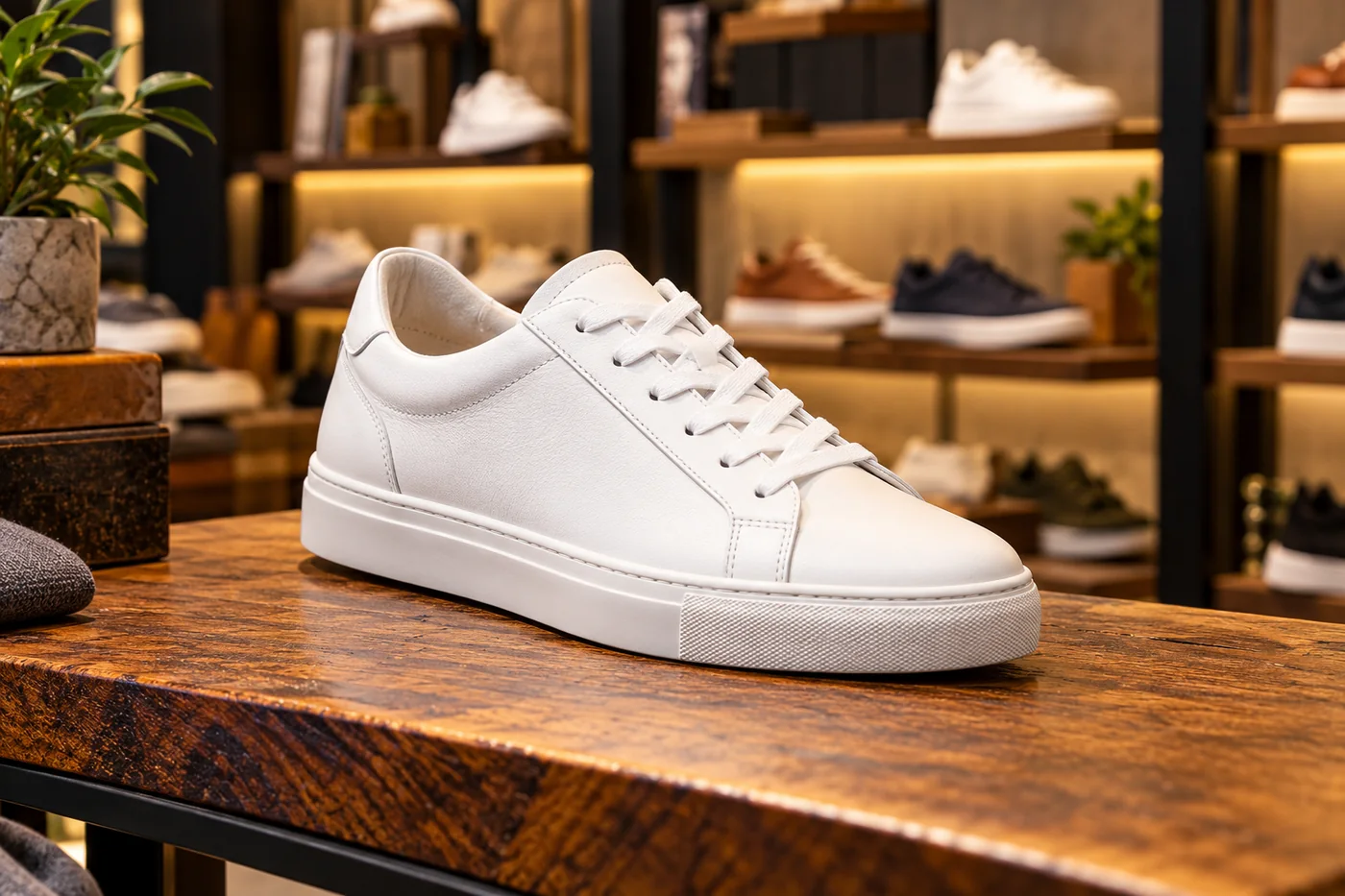
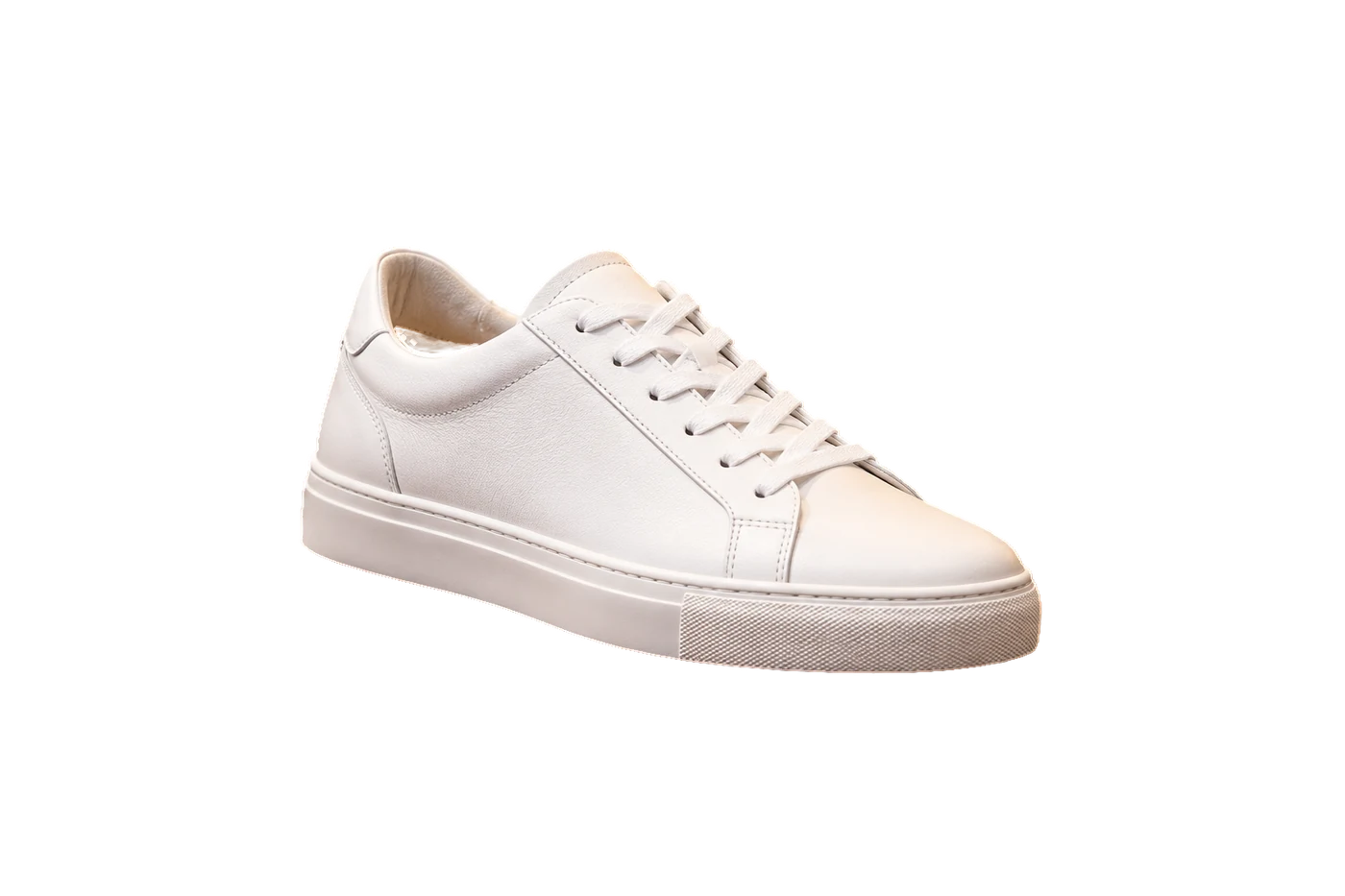

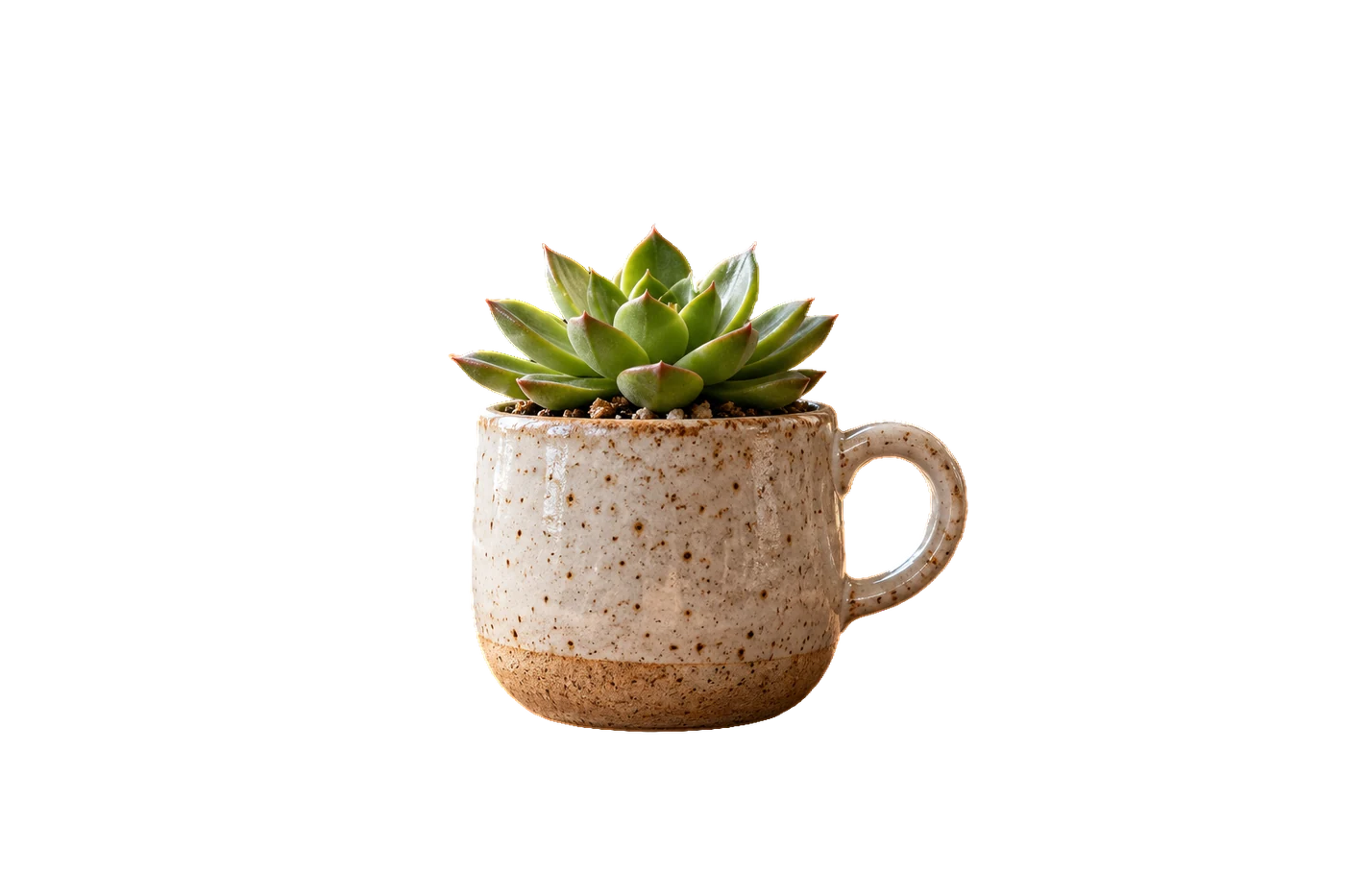
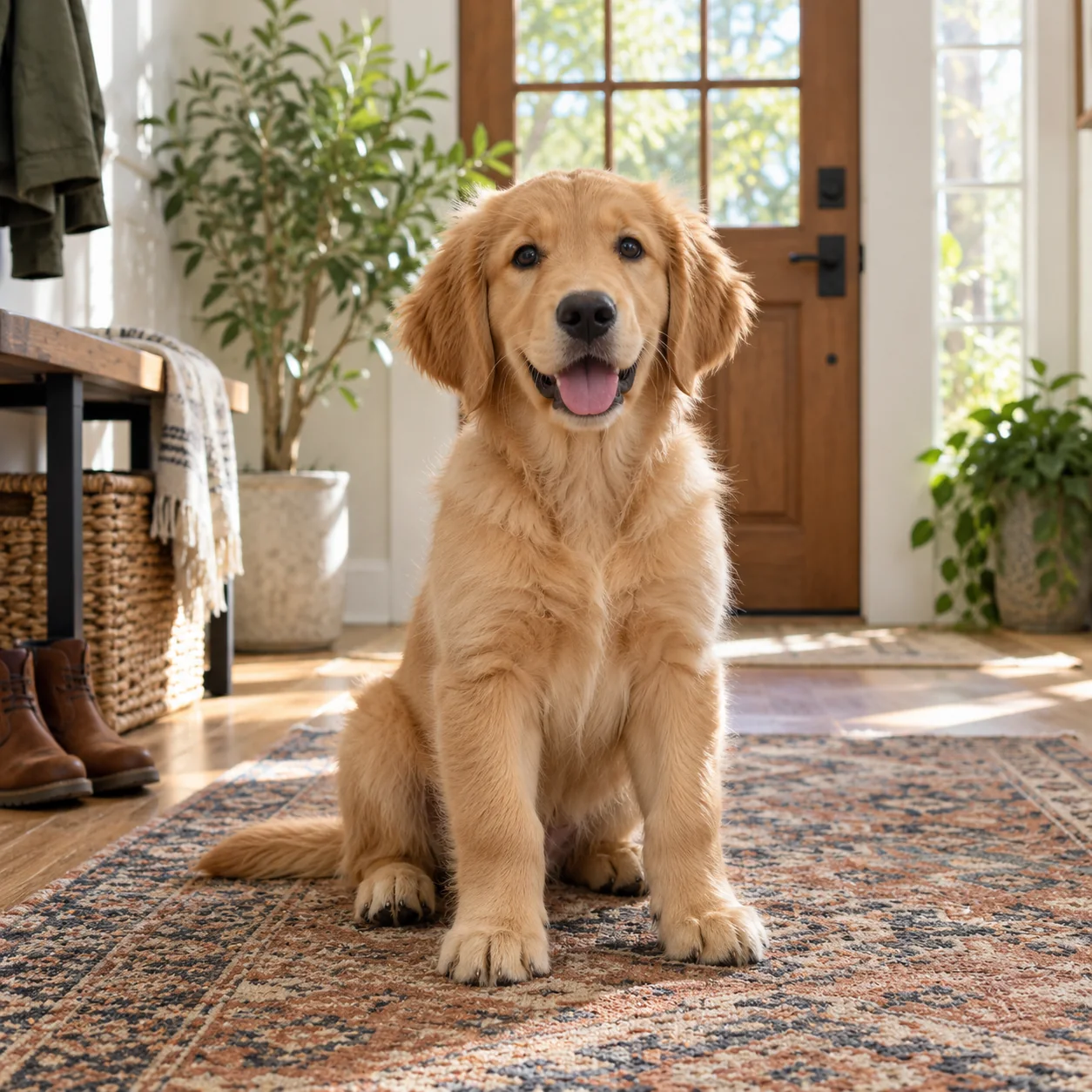
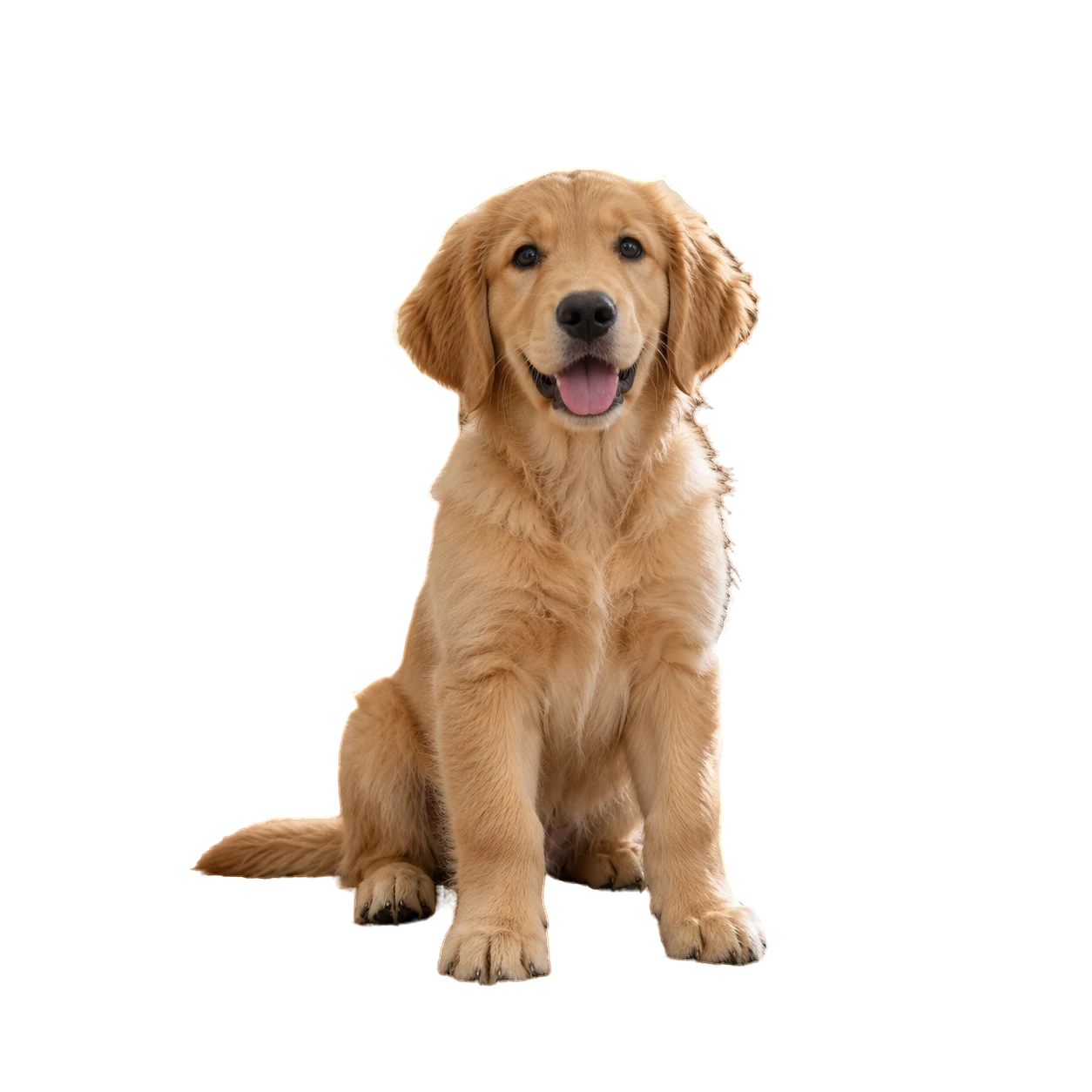


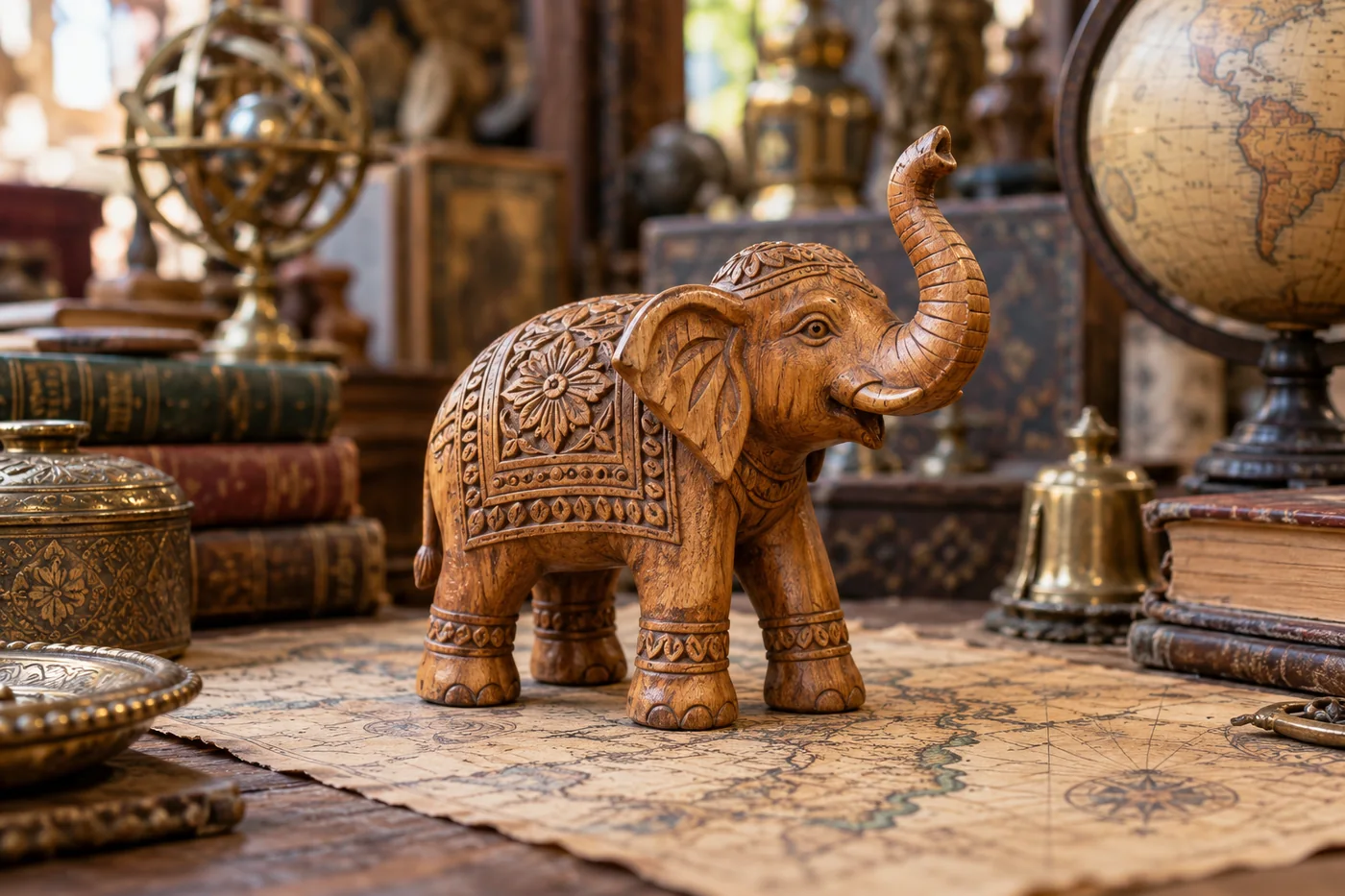
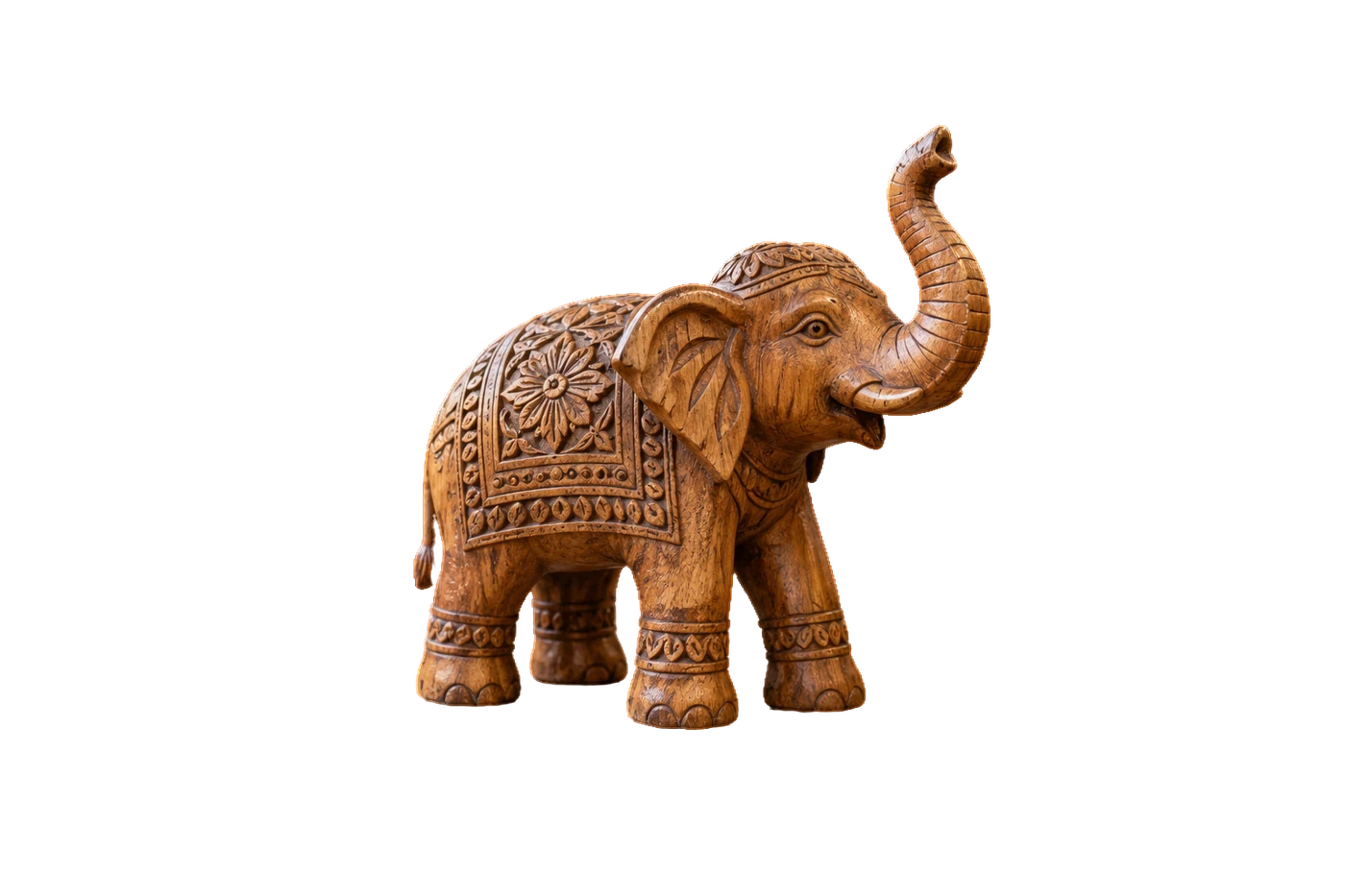
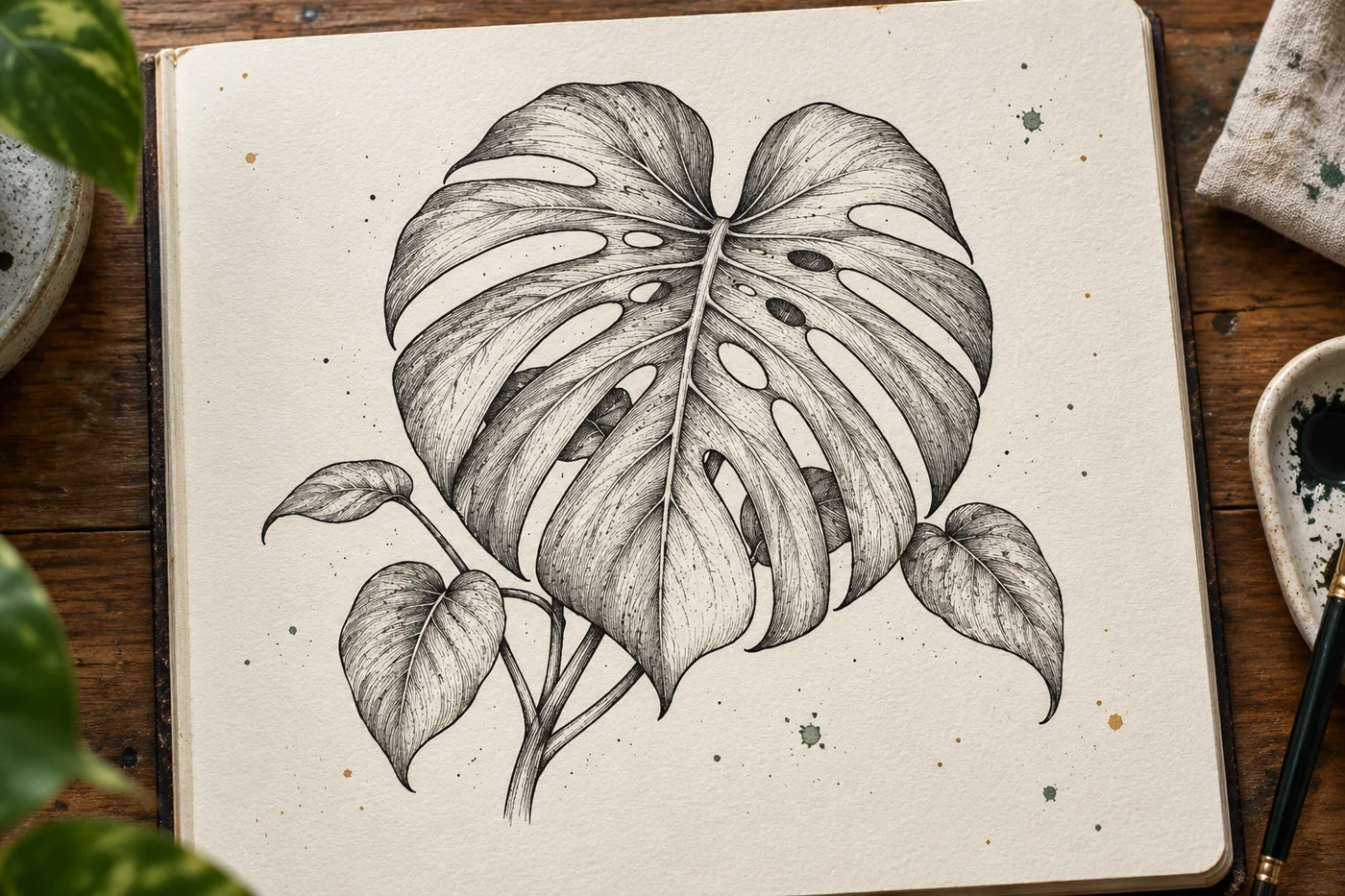
Most tools hand you a transparent PNG and stop. Liftmask keeps going until the image is ready for wherever it's headed.
Apple's built-in subject lifter for clean shapes, or the IS-Net model for hair, fur, spokes and line art. Both run on the Mac in front of you.
Erase and restore brushes, selection shapes, and color keying for the stubborn spots. Undo is one keystroke away.
Studio sweeps, tables, gradients, bokeh, paper and marble, plus real photo backdrops and your own images. Or keep it transparent.
Add a headline, a price badge, a speech bubble. Curved text, outlines, shadows, and a library of open-licensed fonts.
Etsy, Amazon, Shopify, Instagram, app icons, sticker sheets, DTF and HTV transfers. Pick the preset and the size, ratio and padding are set for you.
PNG, JPEG, HEIC, WebP, and SVG tracing for cutters and FileMaker. Batch a whole folder, or run it from Shortcuts and the Finder.
Online removers send every picture to a server, count each one as a credit, and bill you monthly for the privilege. Liftmask is an app you own.
| Liftmask | Online background removers | |
|---|---|---|
| Where the work happens | On your Mac | On their servers |
| Your photos | Stay on your Mac | Uploaded to their servers |
| Price | $29.99 once | Monthly plans or per-image credits |
| Full-resolution output | Included | Usually a paid tier |
| Works on a plane, in a shop, offline | Yes | No |
| Batch, presets, backgrounds, text, SVG | All in the app | Separate tools or add-ons |
Using remove.bg? It has announced that its standalone website closes on December 1, 2026 and the service moves into Canva. If you'd rather not move your photos into another company's platform, Liftmask does one-click background removal on your own Mac, for a single payment. What's the same and what's different.
Your Mac can already lift a subject. Liftmask starts there and adds a second engine for hair, fur and line art, erase and restore brushes, backgrounds, text, marketplace presets, batch, SVG tracing and sticker sheets, so the picture comes out ready to use instead of as a bare cutout.
The free version has every editing tool and never expires. Buy when you need full size, batch, presets, WebP, SVG or sheets.
It needs macOS 14 or later and runs on both Apple silicon and Intel Macs. It is a Mac app only; there is no iPhone, iPad or Windows version yet.
Yes. The free version has every editing tool, exports up to 1500 px on the long side, and never expires. The paid version adds full size, batch, marketplace presets, WebP, SVG and sticker sheets.
No. Both AI engines are inside the app and run on your Mac. The app goes online only to fetch optional photo backdrops and fonts, and once to check your code when you activate.
No. $29.99 once, and every 1.x update is included. There is no account to create and nothing to cancel.
Your code is tied to the email you buy with and arrives the moment payment goes through, with a one-click activate link. It works on the Macs you own; if you lose it, get it sent again.
Try the free version first; it uses the same engines as the paid one. If you buy and it isn't right for you, email and we'll make it right.
The app is signed with an Apple Developer ID and notarized by Apple, so macOS opens it without warnings.